
# Options
You can access the configuration options of FWCloud clicking the gear icon in the FWCloud management screen

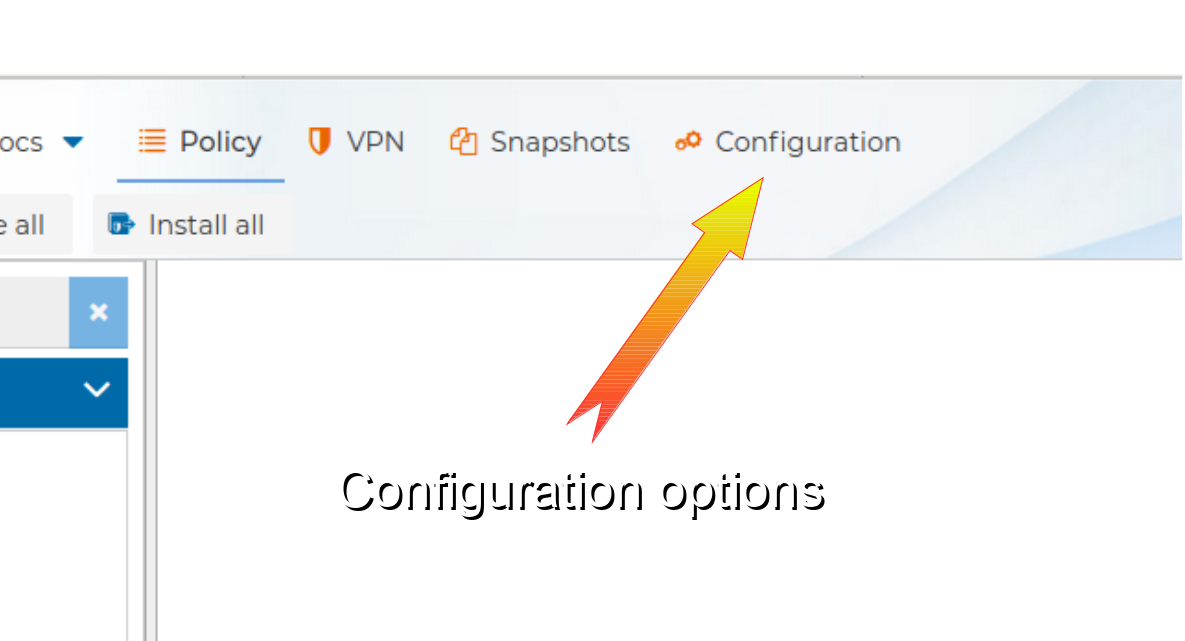
or from the Configuration button
In both cases you will get the configuration options window. From this window you can manage customers and users, change the main password, configure two factor authentication, manage backups, configure OpenVPN history archiving, configure audit log history archiving, and adjust AI assistant and custom appearance settings.