
# Custom Settings
The Custom Settings section allows administrators to personalize the appearance of the FWCloud user interface. These settings affect only the visual presentation of the application and do not modify system behavior or security configurations.
# User Interface Theme
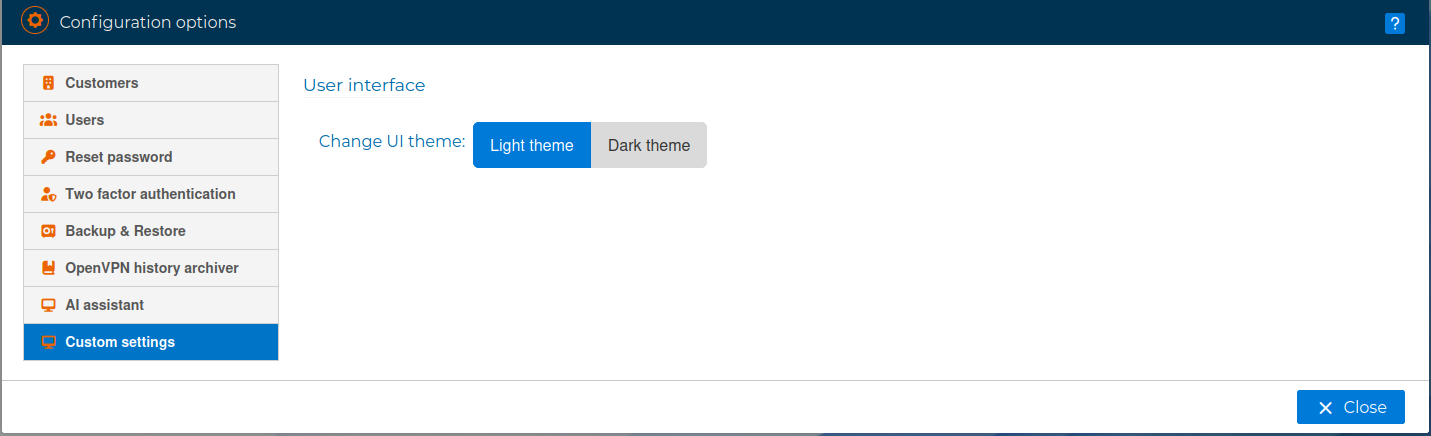
FWCloud provides two interface themes that can be selected according to user preference or working environment:
- Light Theme: Applies a light-colored interface optimized for bright environments and extended daytime use.
- Dark Theme: Applies a dark-colored interface designed to reduce eye strain in low-light environments and improve visual comfort during prolonged usage.
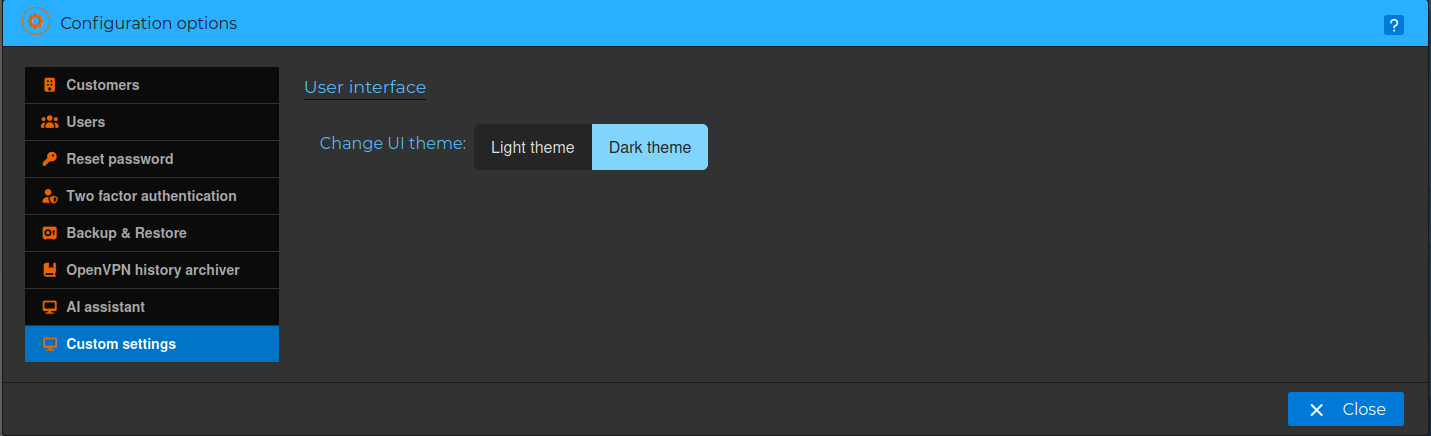
The desired theme can be selected by clicking the corresponding option. The interface updates immediately to reflect the selected theme.
Custom Settings are intended to enhance usability and accessibility while maintaining a consistent functional experience across the platform.